
FlowCursor
No Distractions, and No Dropping of Random Thoughts.
FlowCursor is a minimal macOS menu bar companion that answers questions about anything on screen, explains any text, and transcribes ideas instantly, without breaking your focus.
macOS 26.0 (Tahoe) or later · Apple Silicon or Intel Mac · Internet connection required
Features
Stay in flow with instant AI assistance.
FlowCursor keeps your attention on the task at hand. Voice questions, explanations, transcription, and privacy-first access live in your menu bar.
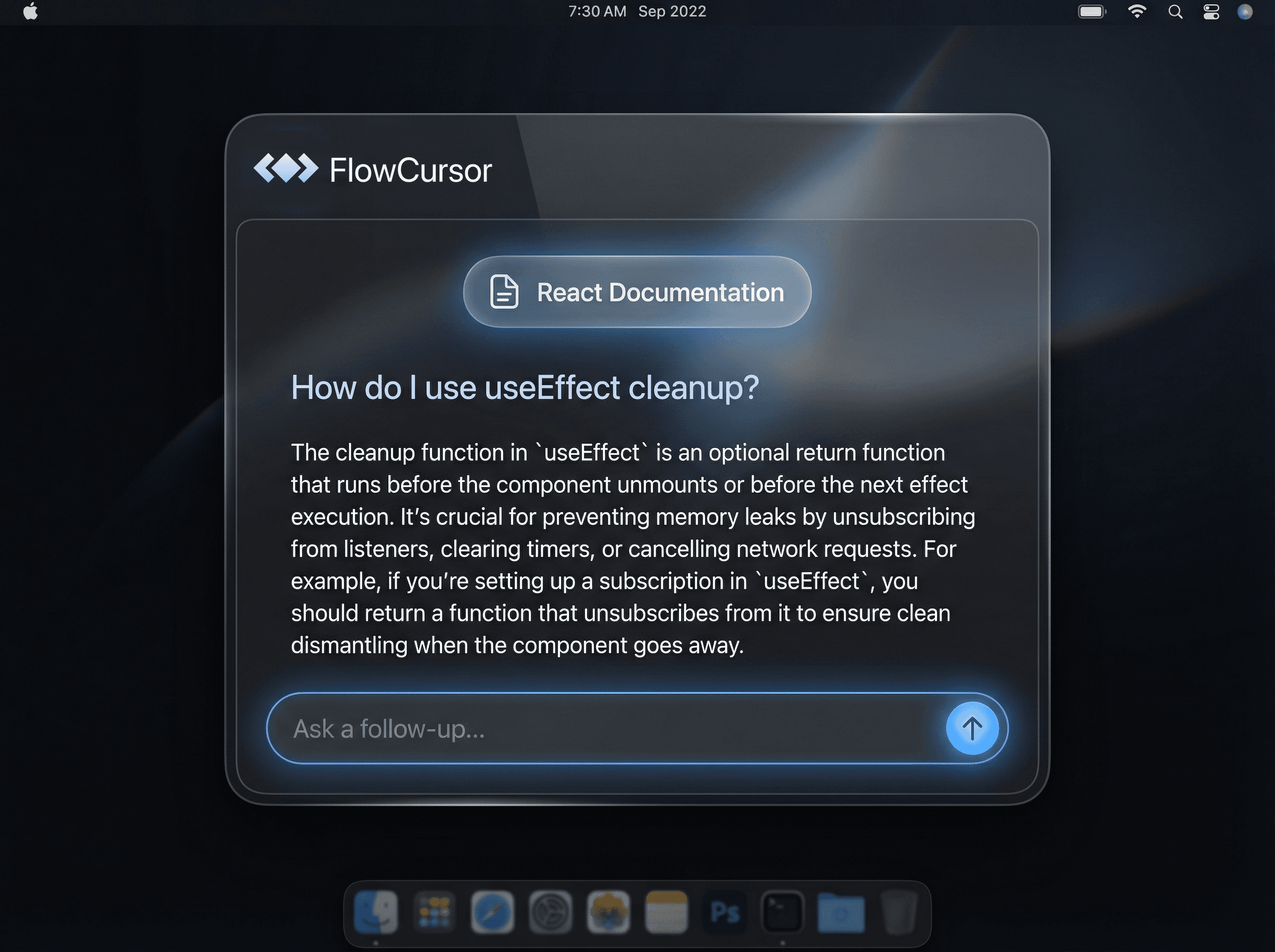
Ask Anything
Ask a voice question about any page or selection.
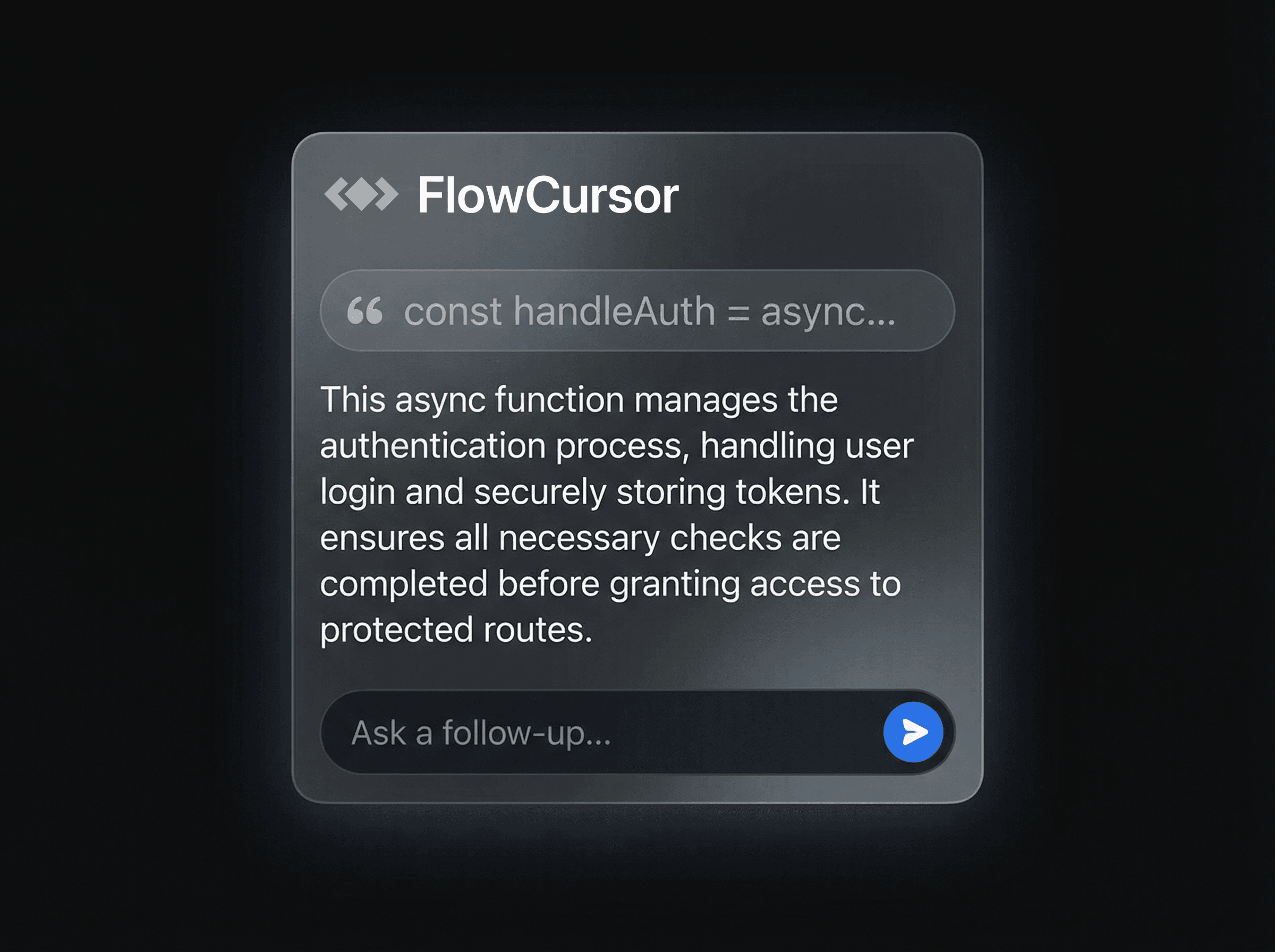
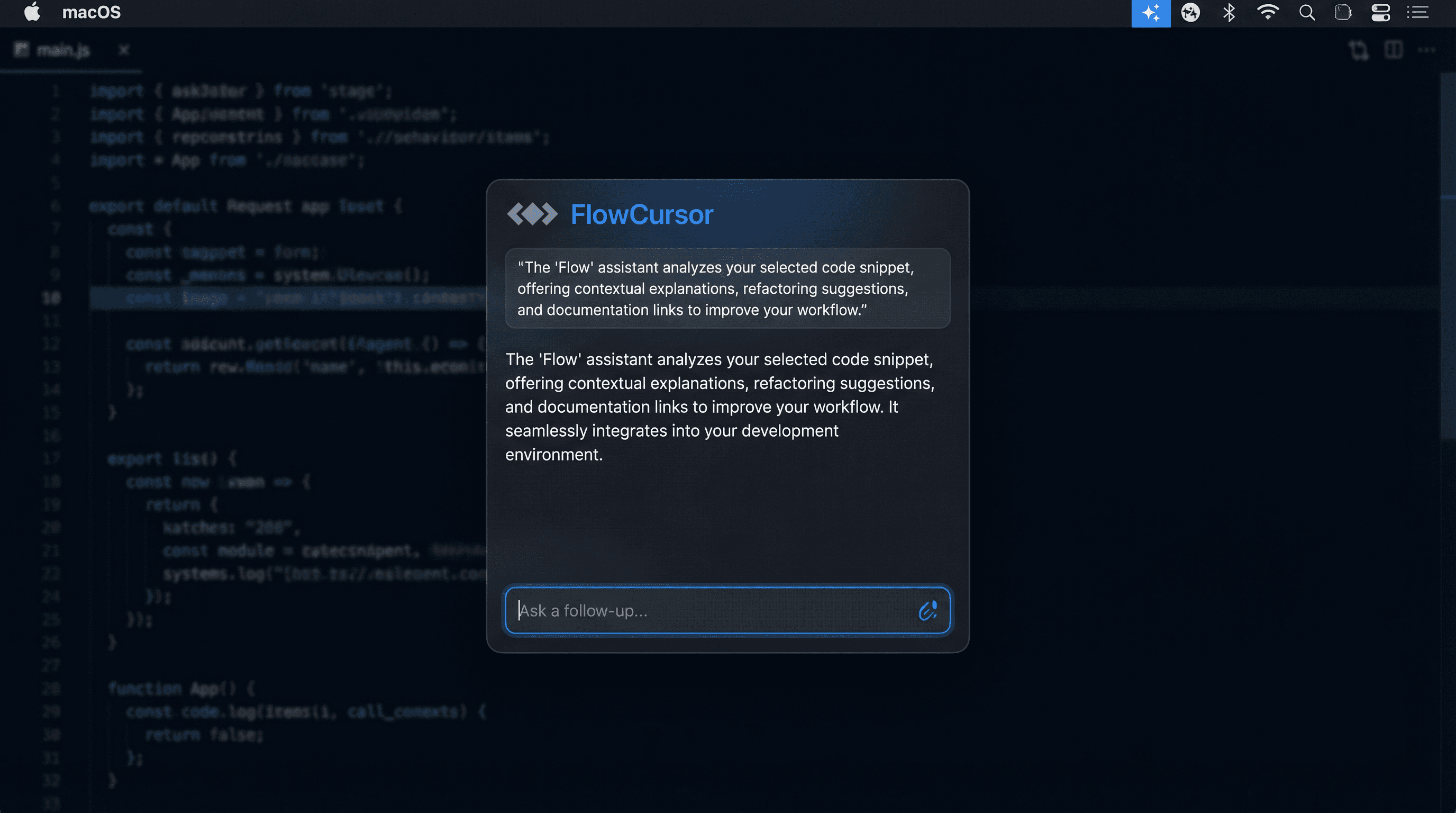
Explain Mode
Select any text for an instant AI explanation.
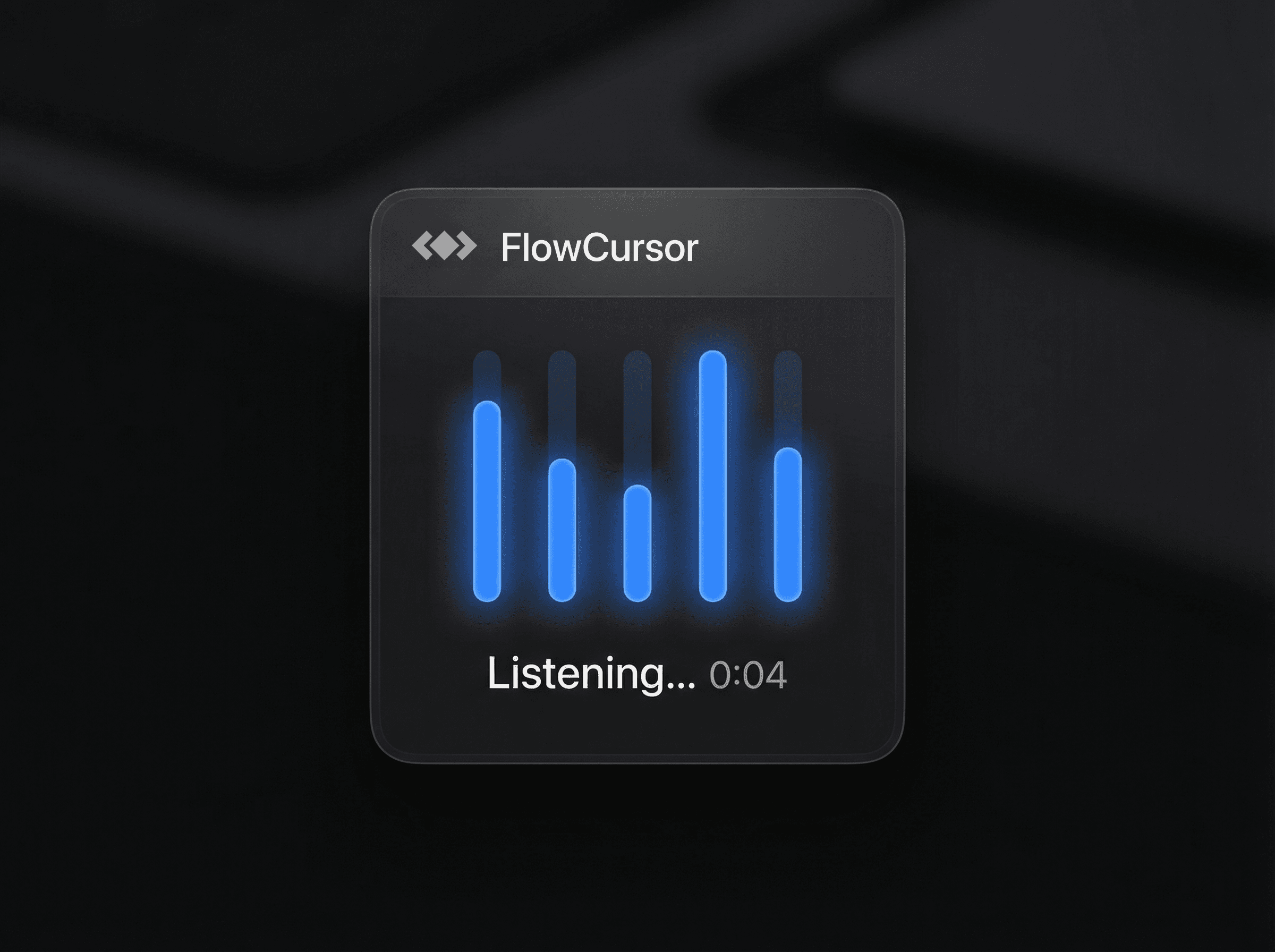
Transcribe Mode
Capture ideas on the fly with voice transcription.
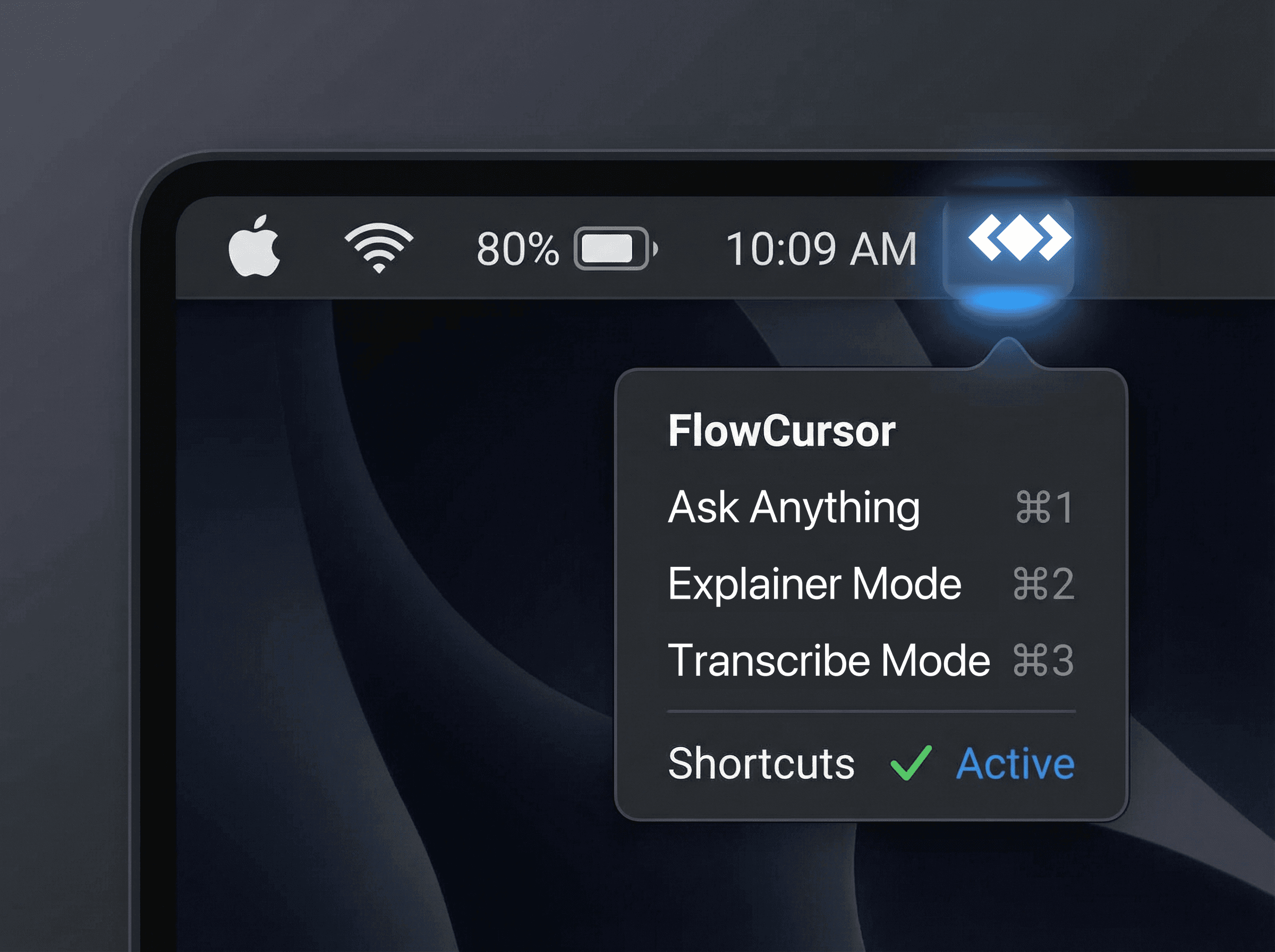
Menu Bar App
Always available, never in the way. No extra windows.
Privacy-First
No account, no sign-up. Your text and audio are processed in real time and never stored.
How it works
Three steps to stay focused.
FlowCursor installs in minutes and immediately helps you explain text or transcribe thoughts without leaving your current app.
Download & Install
Grab FlowCursor, open the DMG, and double-click FlowCursor — it installs itself.
Grant Permissions
A short setup walks you through Accessibility and keyboard access.
Use ⌘1, ⌘2, or ⌘3 Anywhere
Ask anything, explain text, or transcribe speech without leaving your workflow.
Pricing
Simple, predictable pricing.
Start free and upgrade when FlowCursor becomes your daily companion.
Free
Perfect for occasional help and quick ideas.
$0
- • 100 calls per month
- • Transcription (10x efficient)
- • Menu bar access
- • Community support
Pro
For daily use and deep focus sessions.
$8.90/ month
or $90.78/ year (15% off)
- • 1,800 calls per month
- • Transcription (10x efficient)
- • Higher hourly rate limits
- • Top-up credits available
Subscriptions are managed within the app via Stripe. Have questions? Visit the FAQ.

Keep your focus. Let FlowCursor handle the context.
Download FlowCursor for macOS and ask anything, get instant explanations, or transcribe by voice — all from your menu bar.